

You can access this intelligence in 3 different ways:
1. The Ask Continuum page: Your dedicated space for deeper thinking, planning, and exploration with AI. It’s ideal for more comprehensive insights across your clients and recent activity. 2. The AI Floating Bar: Designed for quick, contextual questions. It gives you fast, on-the-spot assistance based on the page you’re viewing. 3. Ask AI buttons throughout the app: These buttons appear in strategic locations whenever the app detects an insight worth expanding, so you can learn more about the topic you’re seeing.Ask in any language
Continuum’s AI answers in the language you use. Ask a question in French and it answers in French; ask in Portuguese and it answers in Portuguese. This works everywhere the AI does: the Ask Continuum page, the Ask bar, and the Page editor. You can also use it to translate, for example “translate this summary to French Canadian” on a meeting, or “translate this Page to French” when building a client deliverable.Talk instead of type
In the Continuum desktop app, every AI composer includes a microphone, so you can dictate your prompt instead of typing it. Click the microphone and say what you want. Your words appear in the field as you talk. Then click it again to stop, review the text, and send.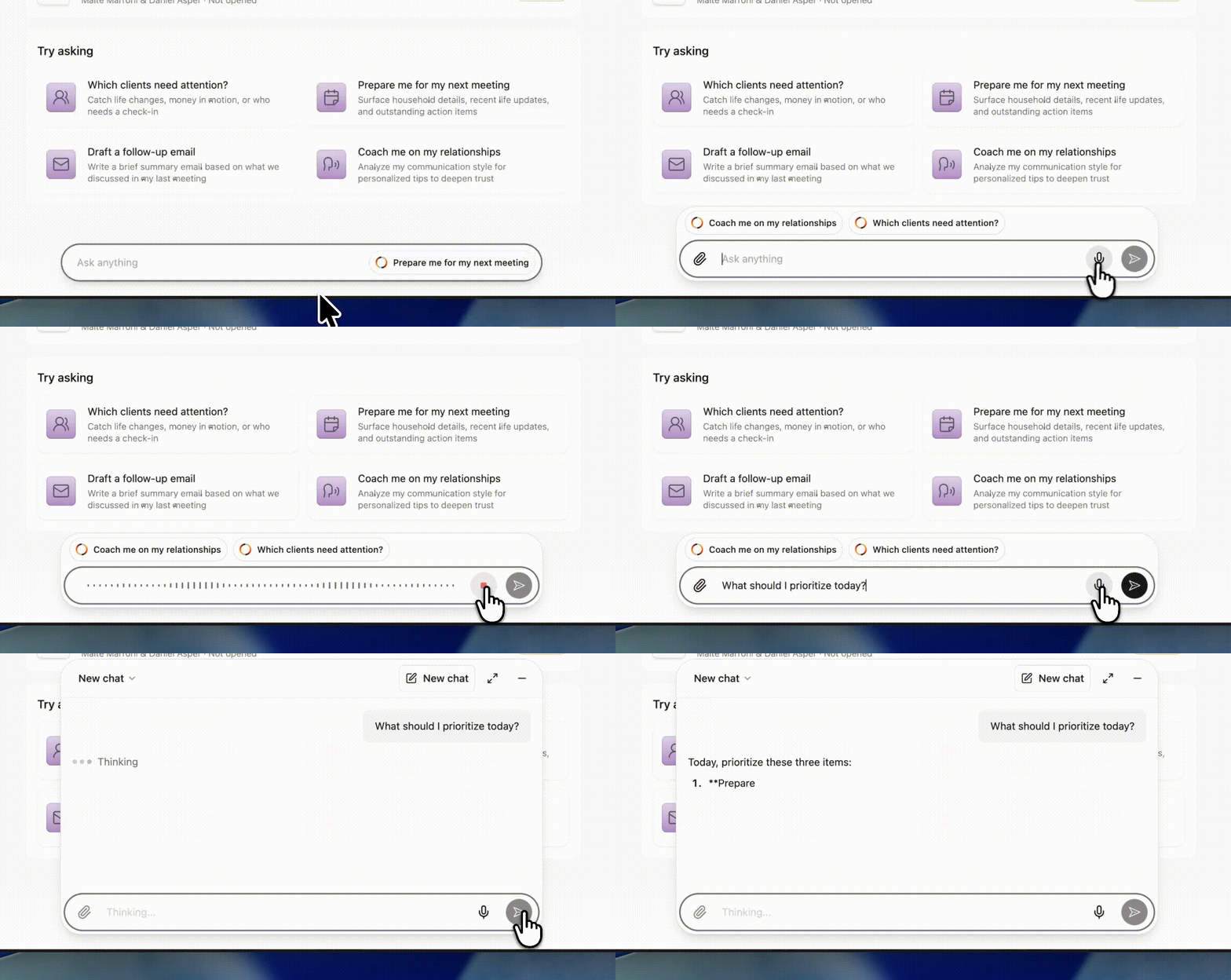
“Create a Page for the Smiths that summarizes their retirement goals, compares the three scenarios we discussed, and ends with our recommended next steps.”It works everywhere you can prompt Continuum: the Ask Continuum page, the Ask bar, and when creating Pages and templates.
Dictation is available in the Continuum desktop app. The microphone is unavailable while Continuum is capturing a meeting.
When to use the Ask bar or the Ask Continuum page
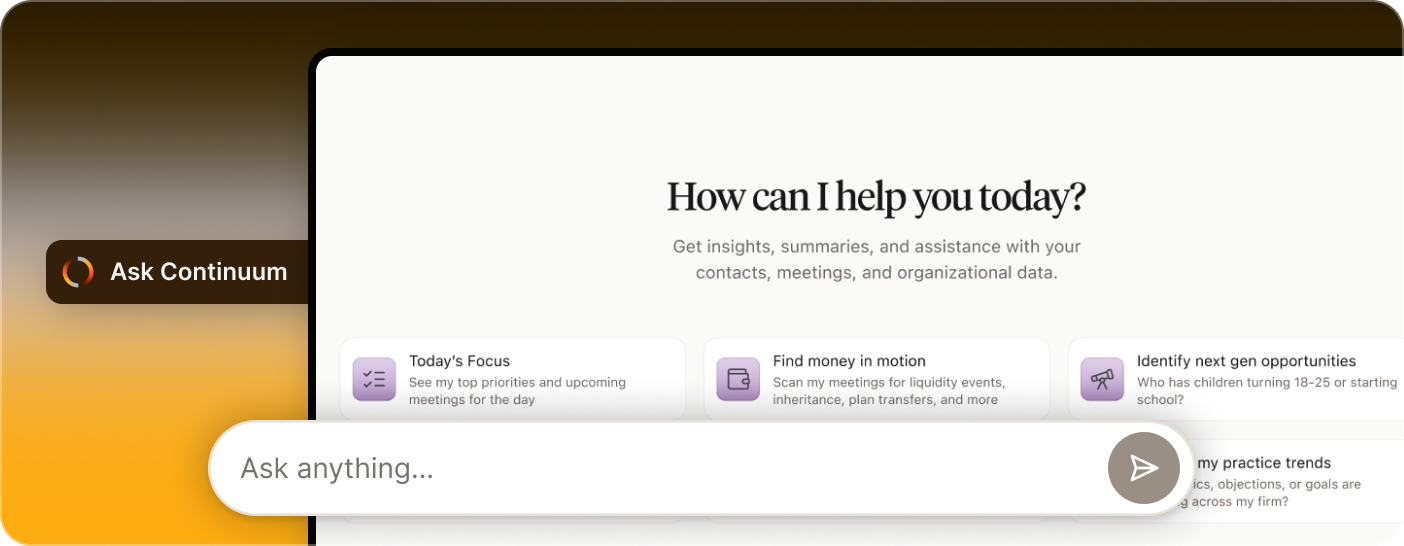
Use Ask Continuum when you want:
- A bigger-picture view of your day or your clients
- Reviewing conversations across several clients at once
- To explore planning opportunities
- Planning outreach or review cycles
- Analyzing trends across multiple meetings
- Drafting longer or more polished outputs (emails, summaries, agendas)
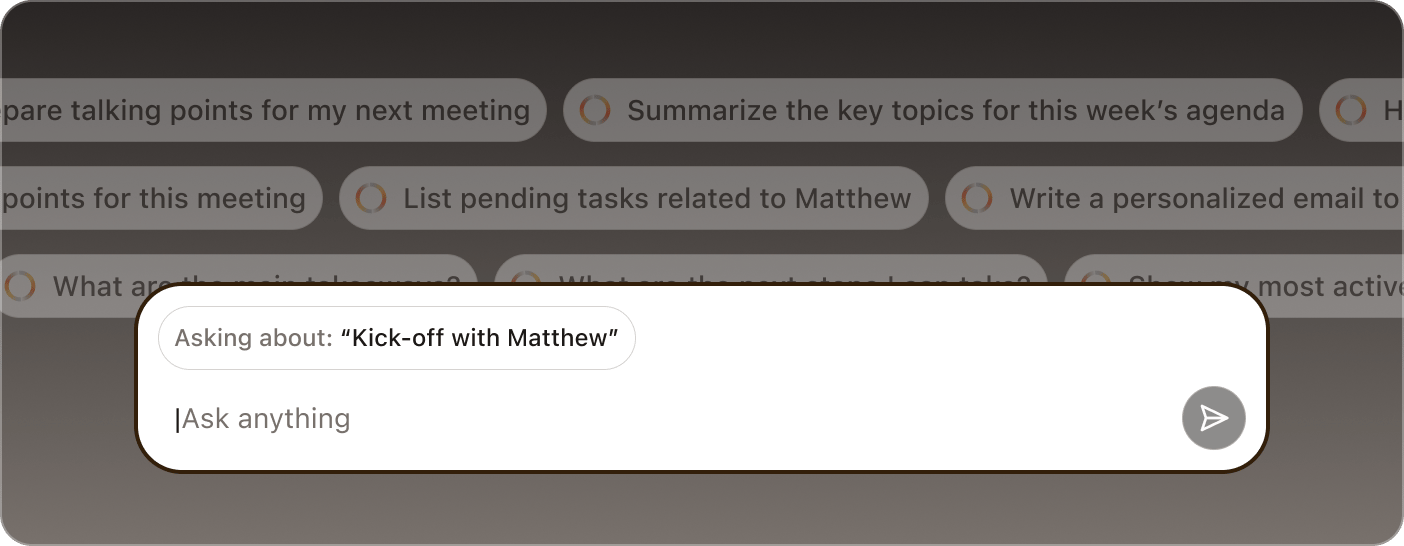
Use the Ask bar when you want:
- Quick, on-the-spot help
- Something contextual tied to the page you’re viewing
- A short briefing before joining a meeting
- To clarify something during a meeting
- A super fast reminder or summary
- A quick checklist or “just-in-time” insight
Ask Continuum is built for depth. Learn more about how each of these two options works here:
Global ask
Deeper thinking and broader insights.
AI Floating Bar
Quick, contextual, just-in-time help