> ## Documentation Index
> Fetch the complete documentation index at: https://help.oncontinuum.com/llms.txt
> Use this file to discover all available pages before exploring further.
# Page statuses
> What Draft, Published, Opened, and Engaged mean in the Pages list, and what to do about each one.
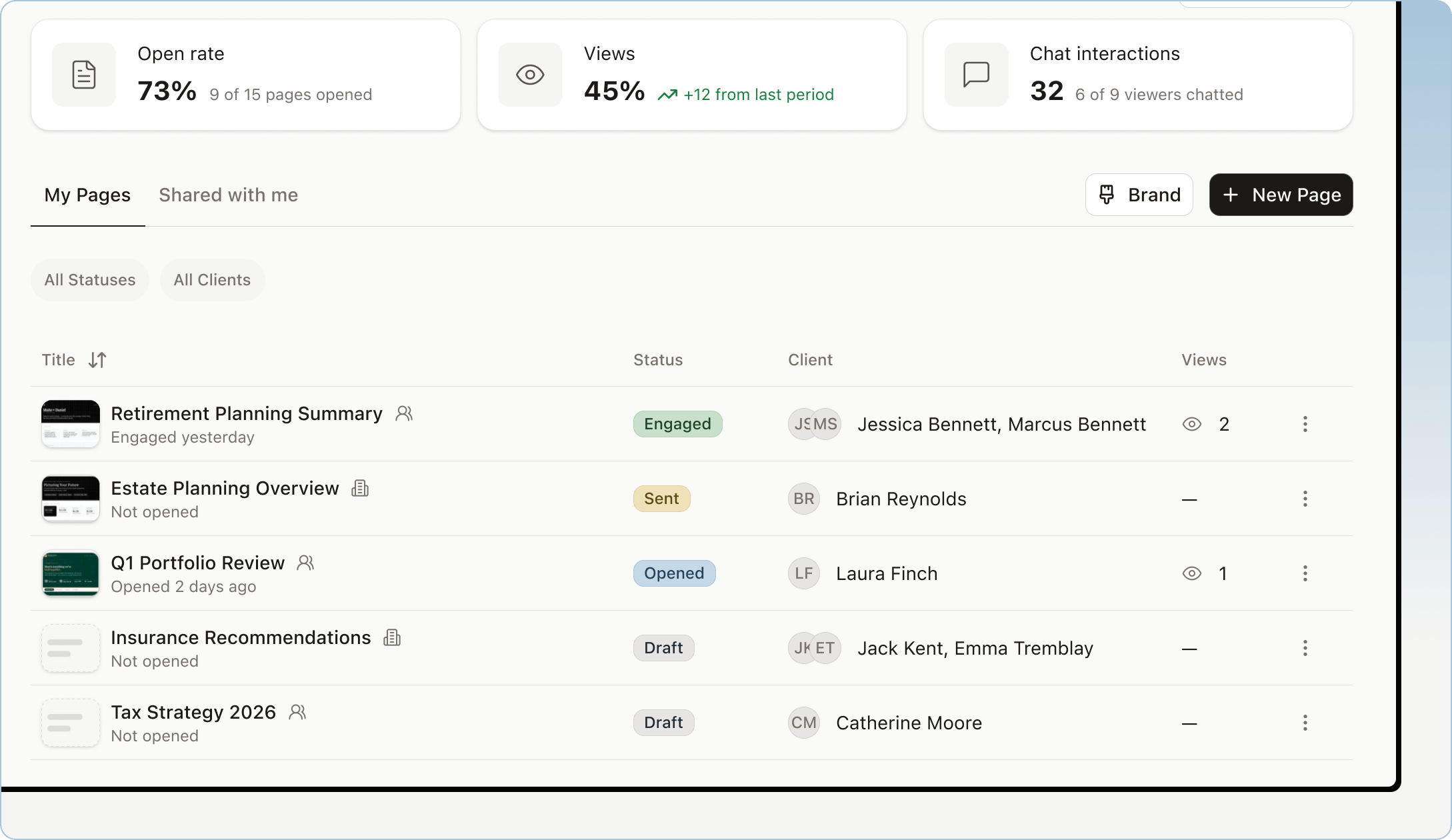
Each Page in the **Pages** list shows a status, so you can see which Pages need your attention and which clients are reading what you sent.
| Status | What it means | What to do |
| - | - | - |
| Draft | The Page exists but is not published. Your client cannot open it. | Review it and publish when it is ready. |
| Published | The Page is published and its link works for the clients who have access. | If it does not become Opened, follow up with your client. |
| Opened | At least one client with access opened the Page. | Check what they looked at in the Page's **Activity**. |
| Engaged | A client did more than open it, such as asking the embedded assistant a question. | Your client is spending time with it. Read their questions in **Topics & Insights** before your next conversation. See [Track engagement](/pages/track-engagement). |
 Older Pages show **Created** instead of **Draft** or **Published**. Their link already works, and they move to **Opened** and **Engaged** the same way.
To publish a Draft and share it, see [Send and track a Page](/pages/send-and-track).
Older Pages show **Created** instead of **Draft** or **Published**. Their link already works, and they move to **Opened** and **Engaged** the same way.
To publish a Draft and share it, see [Send and track a Page](/pages/send-and-track).